The Power of the Thumbnail and Why You Need One
Deciding the concept and style of your video is important, but an often overlooked feature is the thumbnail of your video. An interesting and engaging thumbnail is what entices your users to click the play button in the first place, so if you don’t have a great thumbnail, your video won’t get seen.
Squideo offers thumbnails as an add-on for all video projects, to ensure you get the most engagement for your video and get optimum results. Interested in learning more? Get in touch.
When creating a thumbnail, Squideo focuses on three main features to ensure the image captures maximum attention and encourages a high click through rate (CTR).
01. Choose the Right Image
The purpose of a thumbnail is to show your audience, at a glance, what the video is about. Ideally your thumbnail should incorporate a still image from that video, to ensure style consistency. Watch the video and identify what part of the video would be the most interesting to your audience? Is it an example of how to use your product? A bold title card? Footage of clients looking happy?
The thumbnail below was created by Squideo for our monthly client showcase. The client, Skamper, developed a fitness app for runners. The video showed off the main functions of the app and how it benefits runners, but from a glance this thumbnail targets a specific audience. Not app lovers, not fitness buffs, it shows people running because the product is for runners.

To decide which image is right for your thumbnail, think about your branding and target audience. Which brings us on to…
02. Remember Your Branding
Another factor to consider is whether you have multiple videos that will sit beside each other. There needs to be consistency, and the source of that consistency is your branding. There should be a strong use of company colours and associated imagery. If your branding is clean and minimal, your thumbnail should be too. If it is bold and modern, you guessed it, so should your thumbnail.
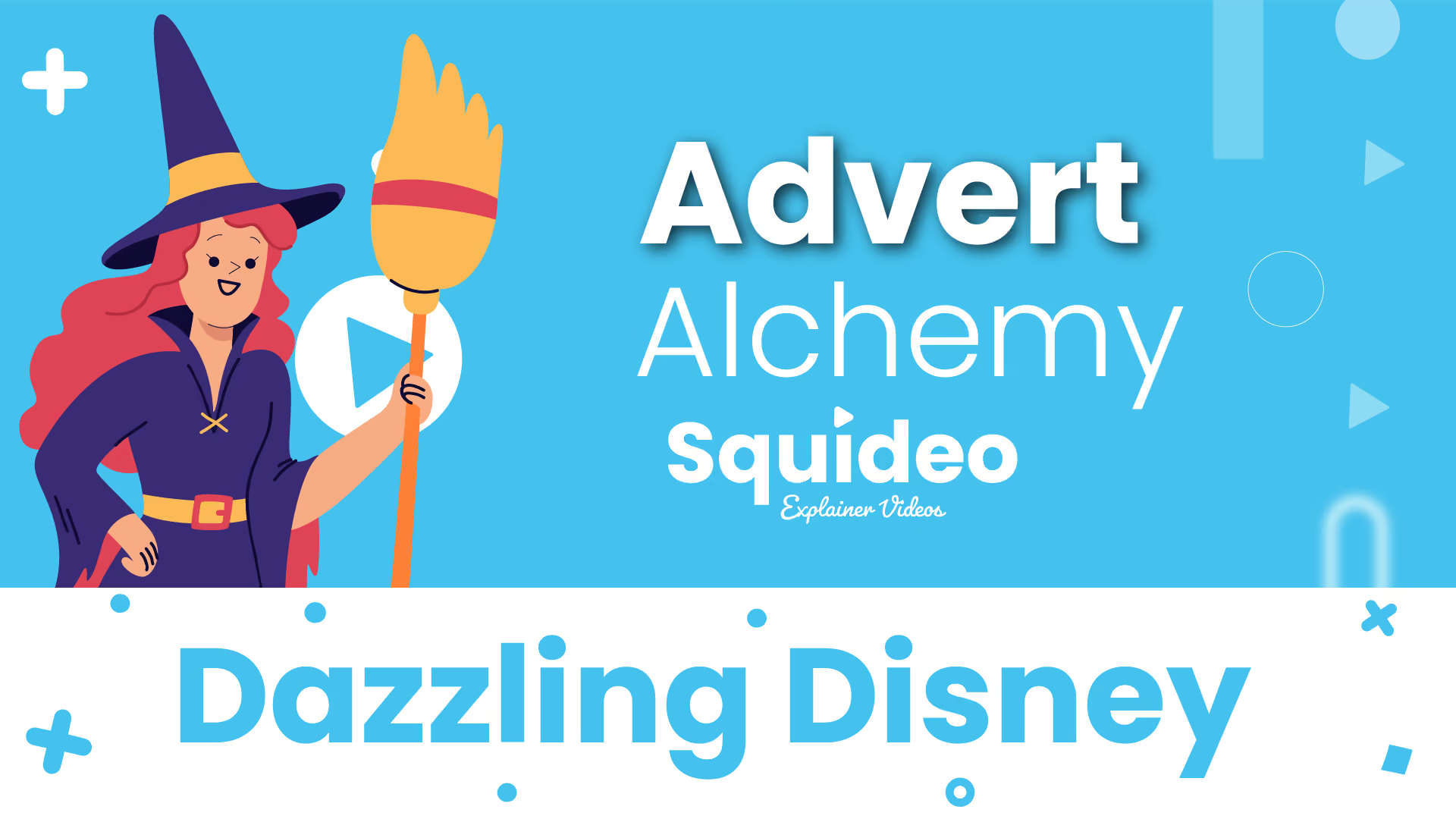
The next thumbnail was created by Squideo for Squideo, to sit with a new homepage video. Squideo blue and white is consistently used, with repeated use of the play button icon that frequently features in Squideo’s branding.

03. Add Your Logo
The last factor to add is your logo. This should go into the thumbnail last to ensure it is at the foremost. If the image chosen for the thumbnail risks drowning out your logo, adjust the transparency of the image to tone down the brightness. In this thumbnail, created for Pagabo, the logo features at the top of the page in a white box to made it stand out from the rest of the blue coloured scene.

Ready to create a video for your brand, thumbnail and all? Watch the video below to get a better understanding of how Squideo can help promote your business, then get in touch with us to find out more!
Smarter Video Starts Here
Take a look at our Video Success Checklist


Thinking about a video?
Tell us what you need explaining and we'll come back with a quote and a timeline.